An App Store refund readiness checklist before launch
Treat refund handling as part of release readiness, alongside purchases, entitlements and customer support.
Give the integration an owner
A connection is easier to maintain when someone owns its credentials, routing and test procedure. Record the Apple account, application identifiers, receiving workspace and the teammate responsible for changes. Keep secrets out of that document.
Decide who receives operational alerts and who can change security or billing settings. Avoid relying on one person remembering how the connection was configured. The API key guide provides a practical starting point for credential ownership and rotation.
Verify the delivery path
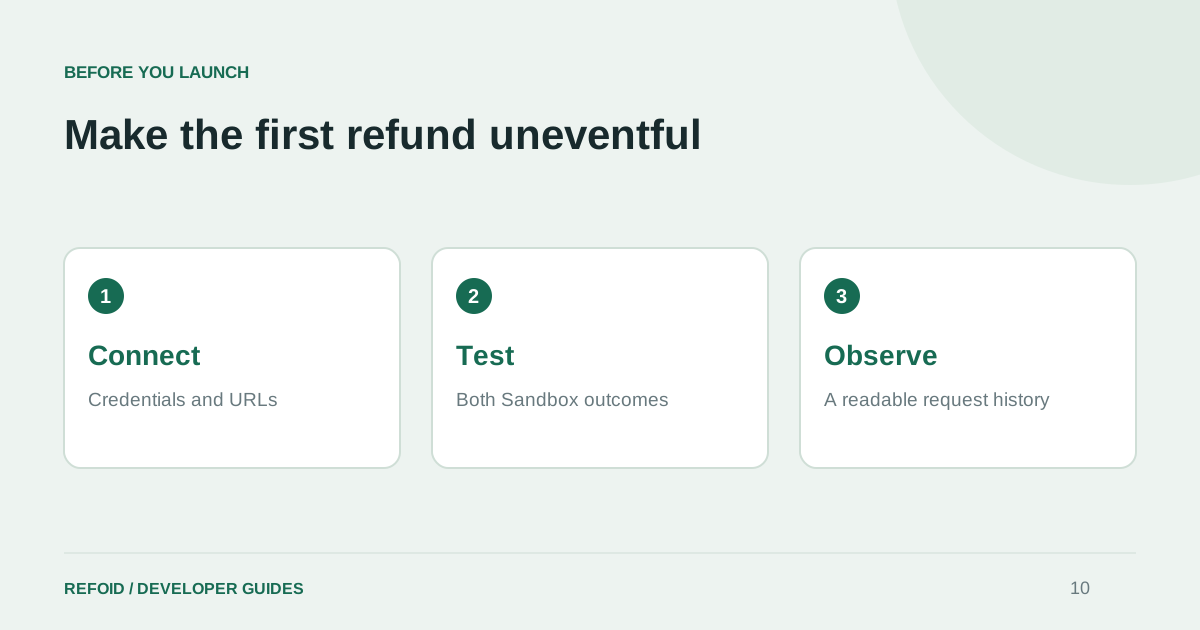
Check the Production and Sandbox URLs for every application. Send a test in each environment you intend to use and confirm receipt in the corresponding Refoid app. A key upload or saved URL alone is not the final verification step.
If another service consumes Apple notifications, test the forwarding path as well. Document the expected destination so a future migration does not accidentally disconnect entitlements or analytics. Follow the connection walkthrough instead of copying a URL from a different application.
Rehearse the customer and server flow
Complete a Sandbox purchase, submit a refund request and inspect the resulting timeline. Test both a granted and a declined result. Confirm that the app handles access changes and that customer-facing messages distinguish a submitted request from a decision.
Use the Sandbox guide for the exercise. If your app exposes its own refund action, review the StoreKit example and test cancellation of the sheet as well. Make the test repeatable enough for a teammate to run without a call.
Prepare for the first real incident
Agree on the minimum information needed to investigate: app, transaction, environment and timestamps. Decide how your team notices a failed response or stale processing state. A dashboard should show uncertainty honestly rather than mark a request successful just because no new event arrived.
Before opening to customers, review the available Refoid plans against your app portfolio and expected request volume. Verify your notification preferences in the dashboard and keep Support easy to find. After launch, repeat the connection check when credentials, webhooks or deployments change, rather than treating the original setup as permanent.
Further reading from Apple
See your refund workflow clearly
Explore Refoid, connect your apps and follow each request from arrival to Apple’s decision
Explore the dashboard How Refoid works