Test the complete refund flow in Apple Sandbox
A test webhook is a useful first check. A Sandbox purchase lets you test the rest of the refund workflow.
Choose the test you actually need
Use local StoreKit testing to develop purchase screens quickly. Use Apple’s network Sandbox when the objective is to exercise real signed notifications arriving at Refoid. A local StoreKit configuration alone does not demonstrate that App Store Connect has the correct server URL.
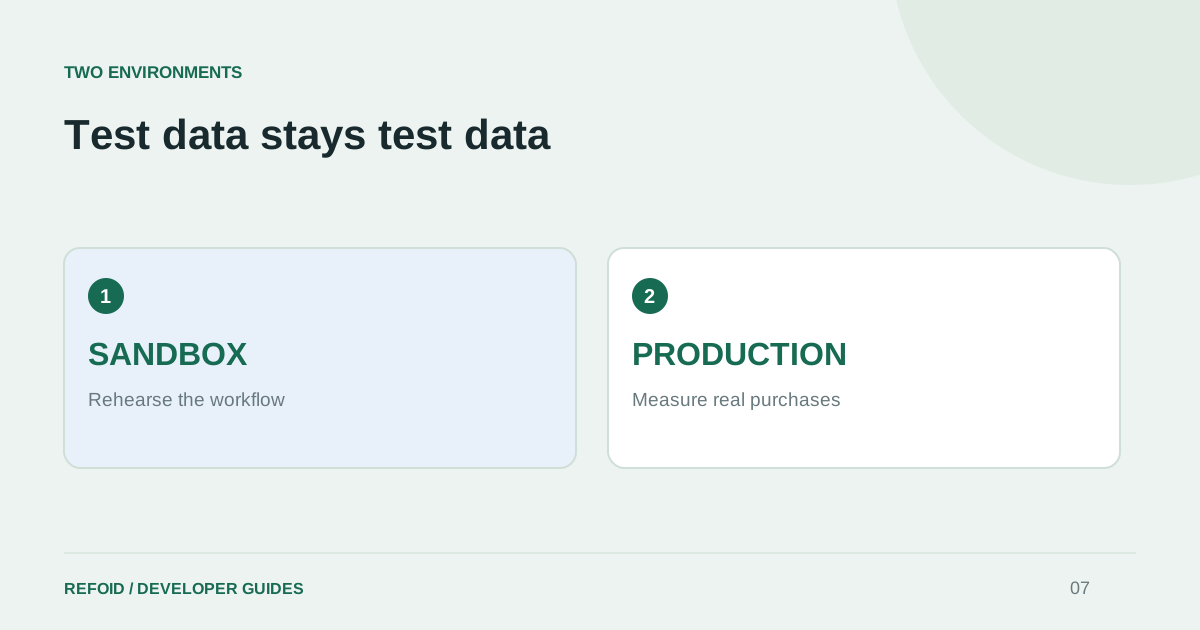
Start with a connected application and a verified Sandbox webhook. Have a tester, a test build and a product ready. Open the app’s Refoid dashboard in another tab and select Sandbox so the test does not disappear behind a Production filter.
Follow one transaction
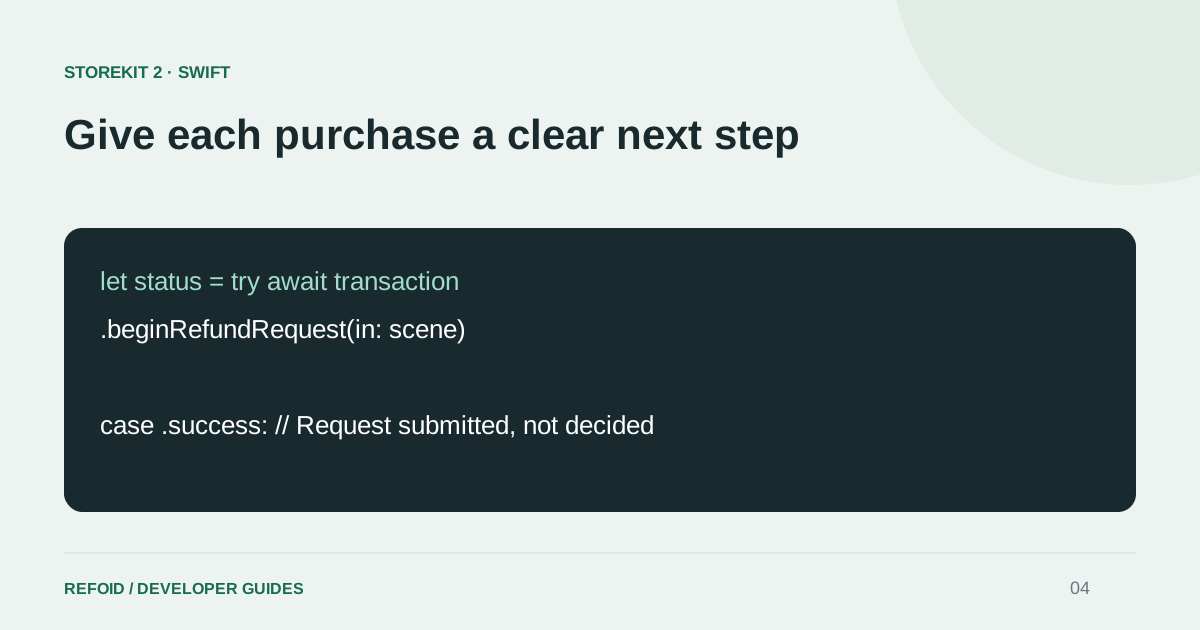
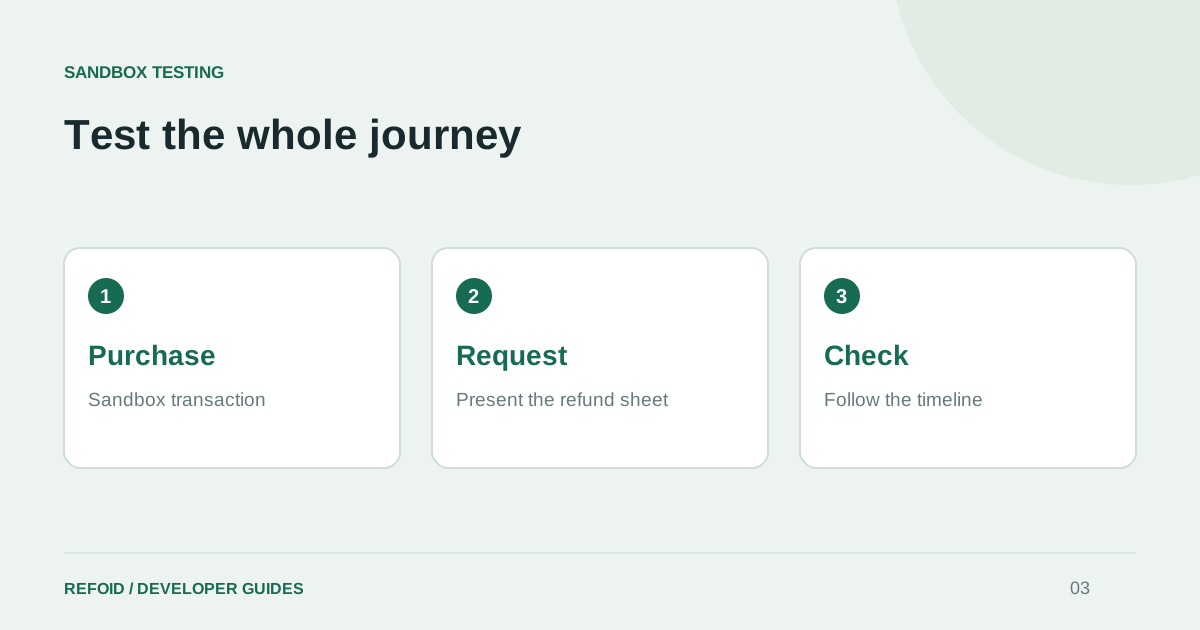
Make a Sandbox purchase and record its transaction ID. Request a refund from the app using StoreKit, then follow that exact transaction in Refoid. The Swift refund guide shows how to present the request sheet for a selected purchase.
Apple’s testing guide describes controlled outcomes: for a declined test, choose Other and enter DECLINE. For the consumption-information test path, Sandbox gives your server five minutes to respond. Configure the connection before making the request, rather than spending that window fixing URLs.
Check the checkpoints independently
Write down whether the purchase succeeded, the sheet submitted, the notification arrived, the response was accepted and the final result appeared. One passing checkpoint does not prove the next one passed. This makes a failed test reproducible instead of leaving the team with “refunds do not work.”
Apple says refund tests do not send customer emails in testing environments. Refoid’s own notification email is a separate feature. Inspect the timeline and recorded outcome instead of relying on your inbox as the only test assertion.
Repeat with a second outcome
Test both a granted and a declined refund, then confirm your app handles access correctly for each. Keep the test purchase values out of commercial reporting. The environment guide explains how to label mixed views without treating test revenue as real revenue.
If something fails, keep the transaction ID and environment with your notes. Compare the saved webhook first, then the received notification and response. Reach Support with those checkpoints rather than repeatedly requesting refunds for unrelated purchases. A small, repeatable test is more valuable than a large pile of ambiguous events.
Further reading from Apple
See your refund workflow clearly
Explore Refoid, connect your apps and follow each request from arrival to Apple’s decision
Explore the dashboard How Refoid works