Sandbox and Production: keep refund data separate
The environment of a purchase and the deployment receiving it are different things. Label both deliberately.
Two independent choices
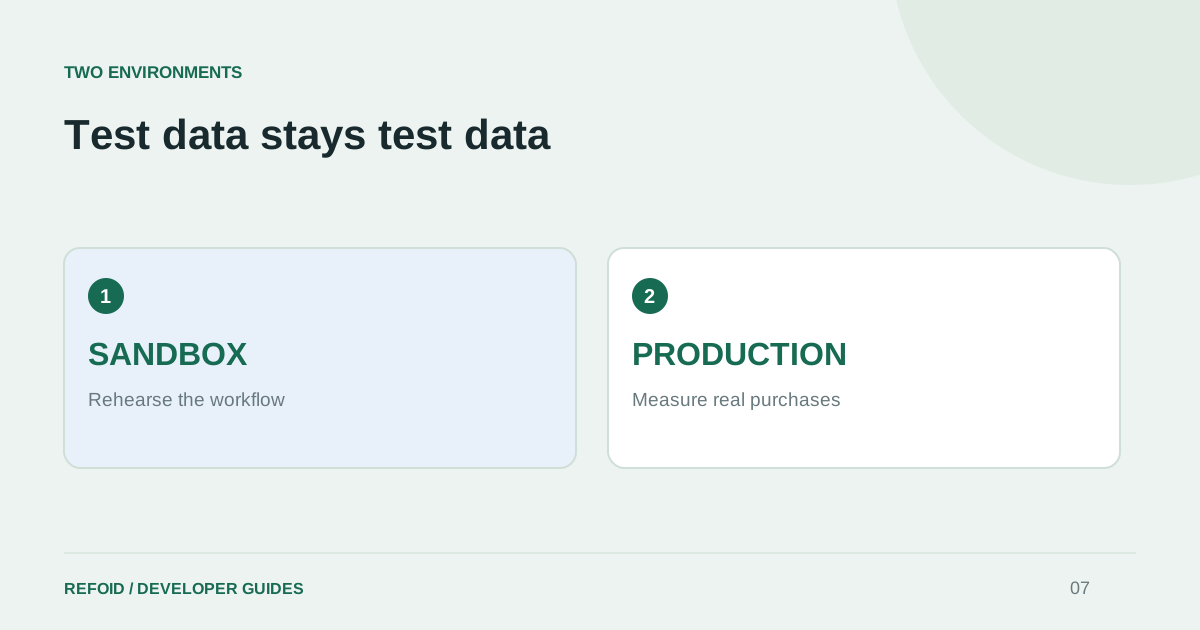
Sandbox and Production describe Apple’s purchase environment. Development and production describe where you run Refoid or your own server. A production deployment can receive Sandbox notifications if that is how you configure App Store Connect. Conversely, a development endpoint does not turn a Production transaction into a test.
This distinction matters when debugging a missing request. Write down both the Apple environment and the receiving service before looking at counts or logs. Otherwise, two correct dashboards can appear to disagree simply because they show different data.
Check the two URL fields
App Store Connect provides separate Production and Sandbox URL settings. Apple’s URL configuration guide also describes fallback delivery when the Sandbox field is empty. Set the fields intentionally and keep a record of your chosen routing.
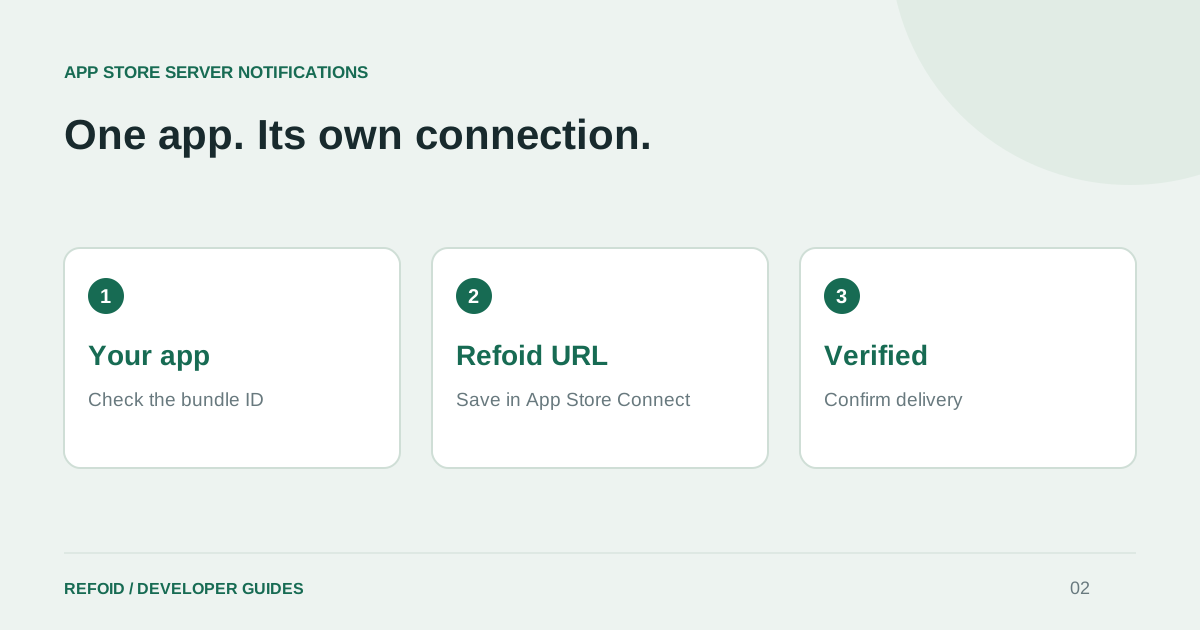
When migrating from a test deployment, inspect every app, not just the first one you connected. Compare its bundle ID and Refoid URL. Similar application names are not enough. Follow the connection guide to verify each environment independently.
Separate engineering checks from business reporting
An All environments view is useful while testing. For a commercial report, select Production and state that choice beside the reporting period. A test refund is useful evidence that an integration works, but its amount is not business revenue saved or lost.
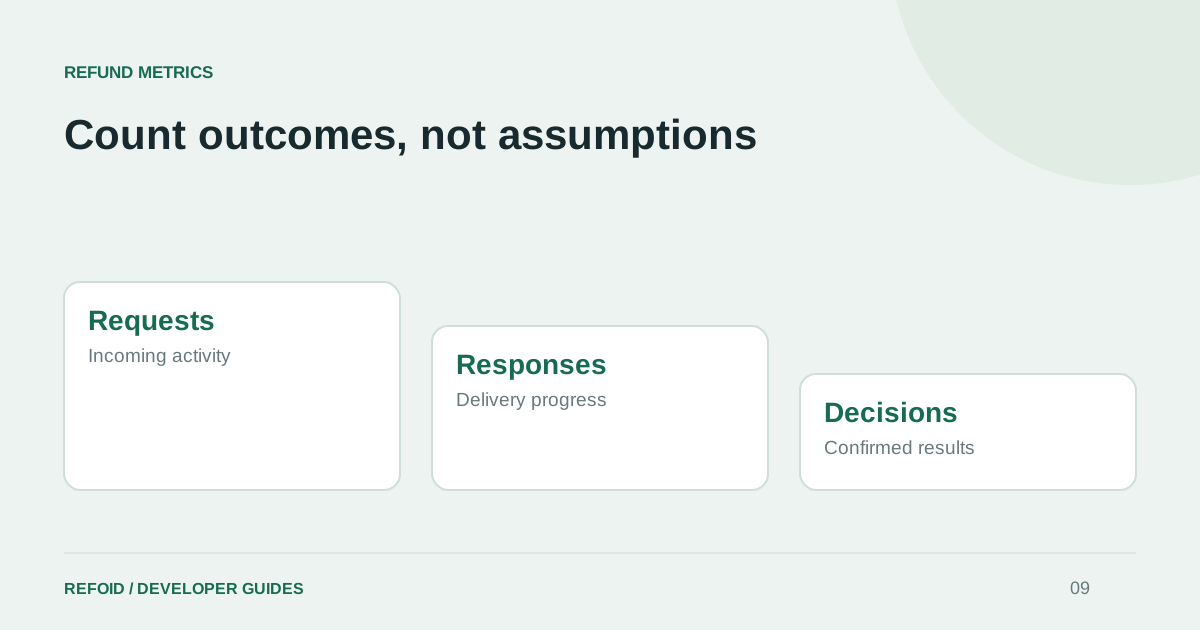
When sharing a screenshot or exporting figures, include the environment and date range. A week with many test purchases can otherwise look like a change in customer behavior. The refund metrics guide gives an example of separating pending requests from decided ones too.
Investigate with a compact checklist
For a missing event, identify the transaction, confirm its Apple environment, inspect the corresponding saved URL and open that app in the receiving workspace. Then compare the last notification and response. Do not start by changing keys or copying an unrelated app’s webhook.
Run the Sandbox exercise before relying on a Production connection. If the paths still disagree, send Support the app, environment and timestamps. Those details narrow the investigation much more effectively than “the dashboard is empty.”
Further reading from Apple
See your refund workflow clearly
Explore Refoid, connect your apps and follow each request from arrival to Apple’s decision
Explore the dashboard How Refoid works