Connect App Store Server Notifications to Refoid
A practical connection checklist, from selecting the right application to confirming that Apple can reach its webhook.
Start with the app’s identity
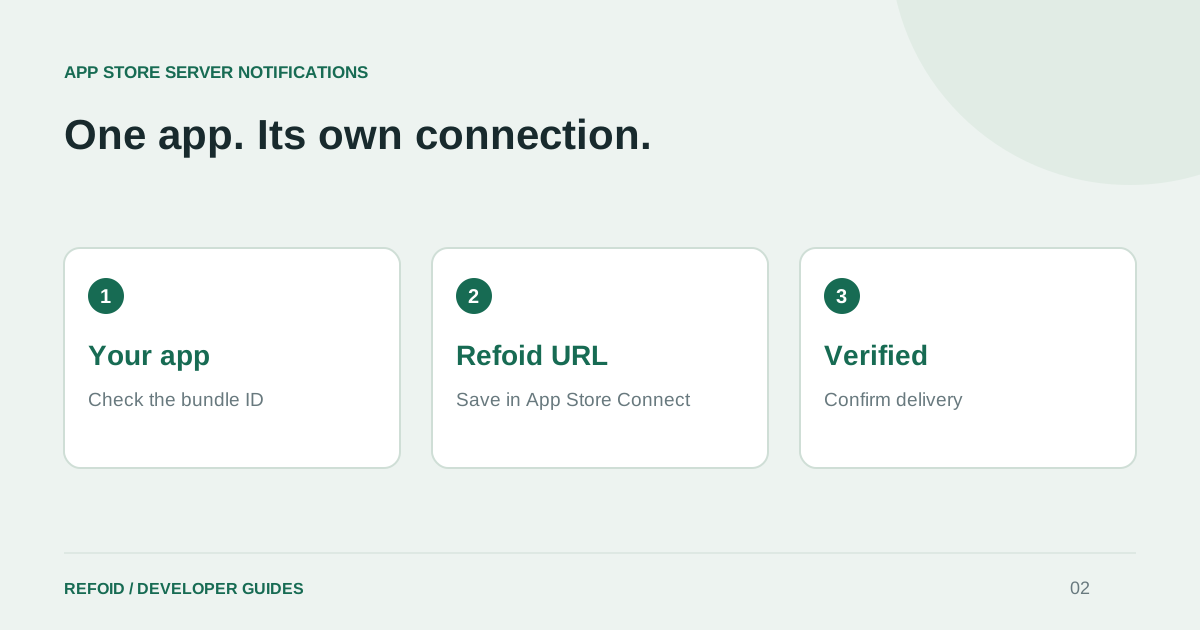
Before copying any URL, compare the app name, numeric App Store ID and bundle ID with the application you intend to connect. Similar names, renamed apps and test copies make this a surprisingly easy place to make a mistake. A webhook belongs to a specific Refoid application; it is not a universal endpoint for your whole portfolio.
Open your dashboard and use Connect app. Select the app, then provide its App Store Server API credentials or reuse a suitable saved key. Follow the API key guide if you have not created one yet.
Save the right URL in App Store Connect
Copy the webhook from the connected application. In App Store Connect, open that same app’s App Information page and find App Store Server Notifications. Set the desired Production and Sandbox URLs to Version 2. Apple documents the fields in Enter server URLs.
Check both environments deliberately. Apple can send Sandbox notifications to the Production URL when no separate Sandbox URL is supplied. If you configure only Sandbox, that does not enable Production delivery. Our environment guide covers the distinction between an Apple environment and a Refoid deployment.
Verify each environment
Use the test-notification button for the environment you just configured. Your connection is confirmed when Refoid receives a test notification or the first refund request from Apple. Until then, you’ll see Setup required. Send a test using the button above to check your setup now.
A submitted test and a received test are different milestones. If the connection remains unverified, reopen the saved URL and compare it character for character with Refoid. Check that you are looking at the same application and environment before generating more tests.
Finish with a real Sandbox exercise
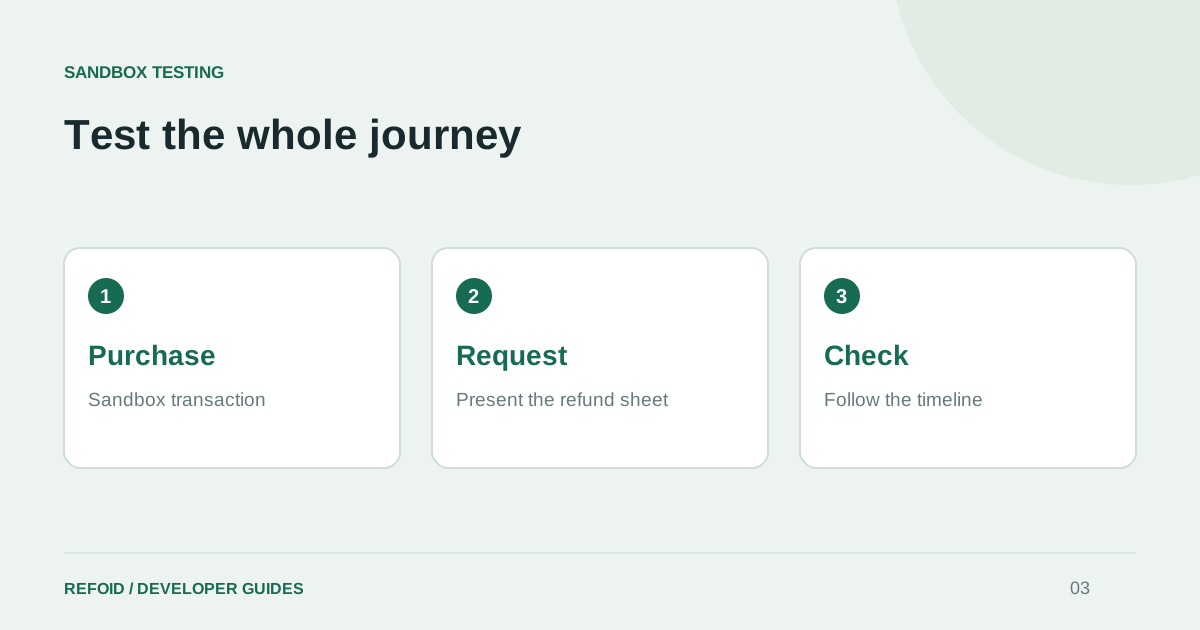
A test notification proves the delivery path. It does not exercise a purchase, refund request and decision together. Follow the Sandbox refund test next and record the transaction ID so you can follow one purchase from beginning to end.
If another subscription service already consumes Apple notifications, plan the handoff before replacing its URL. Review Refoid’s notification-forwarding settings and validate the downstream service too. Keep a short connection checklist for every app so a later release or teammate does not silently overwrite the intended endpoint.
Further reading from Apple
See your refund workflow clearly
Explore Refoid, connect your apps and follow each request from arrival to Apple’s decision
Explore the dashboard How Refoid works