Create and protect your App Store Server API key
The right key connects your app. A simple ownership and rotation plan keeps that connection maintainable.
Use the In-App Purchase key
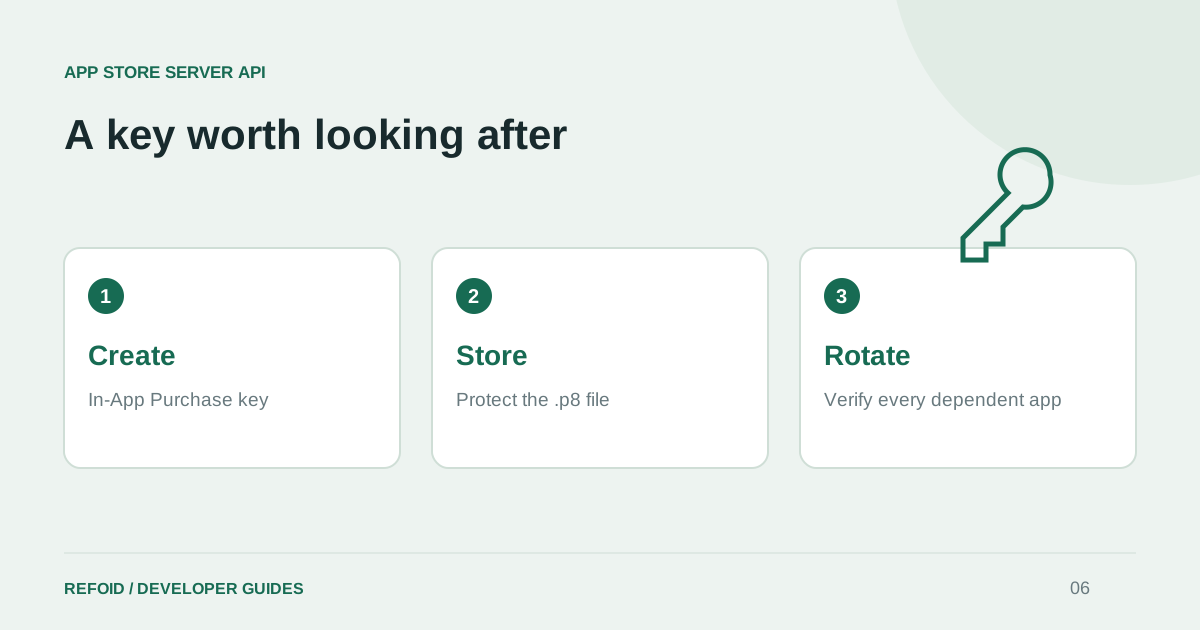
Apple has several kinds of keys. For this integration, start in App Store Connect under Users and Access, then Integrations, then In-App Purchase. Generate a key with a name your team will recognize. Apple’s key creation guide is the reference for current permissions and navigation.
The private .p8 file is downloadable only once. Store it securely when you create it, and record the associated Key ID and Issuer ID. These identifiers help select and authorize the key; they do not replace the private key itself.
Connect without scattering copies
In Connect app, provide the credentials in the dedicated fields. If an appropriate key is already saved in your workspace, use the saved-key option instead of uploading another copy. Confirm that it belongs to the Apple account that owns the app you selected.
A useful team inventory records the key’s purpose, owner and the applications that depend on it. Keep the secret itself in an approved secrets store. Avoid screenshots of the file contents, source-control commits, support tickets and shared chat messages.
Plan rotation before revoking
Revoking a shared key can interrupt every application that depends on it. Inventory those dependencies first, create a replacement, update the affected connections and verify them. Then revoke the old key once the replacement has been exercised. Treat this as a small deployment with an owner and a checklist.
For a suspected exposure, prioritize revocation and incident containment, then restore service with a replacement. Do not keep a compromised credential active merely to avoid a temporary interruption. Review recent access and remove exposed copies from the systems where they were shared.
Test the connection, not just the upload
A successful upload only confirms that a file reached the service. Follow the notification setup guide and a Sandbox refund test to check the full path. Record the result so a teammate can tell which apps were verified after a rotation.
Give your operations notes enough detail to recover the integration without containing the secret itself. If you need help, Refoid Support can work from the app and non-secret identifiers. Never include the .p8 contents in a diagnostic message.
Further reading from Apple
See your refund workflow clearly
Explore Refoid, connect your apps and follow each request from arrival to Apple’s decision
Explore the dashboard How Refoid works