Refund metrics that tell you what actually happened
A useful refund report separates operational progress from confirmed outcomes and makes its denominator explicit.
Start with three separate counts
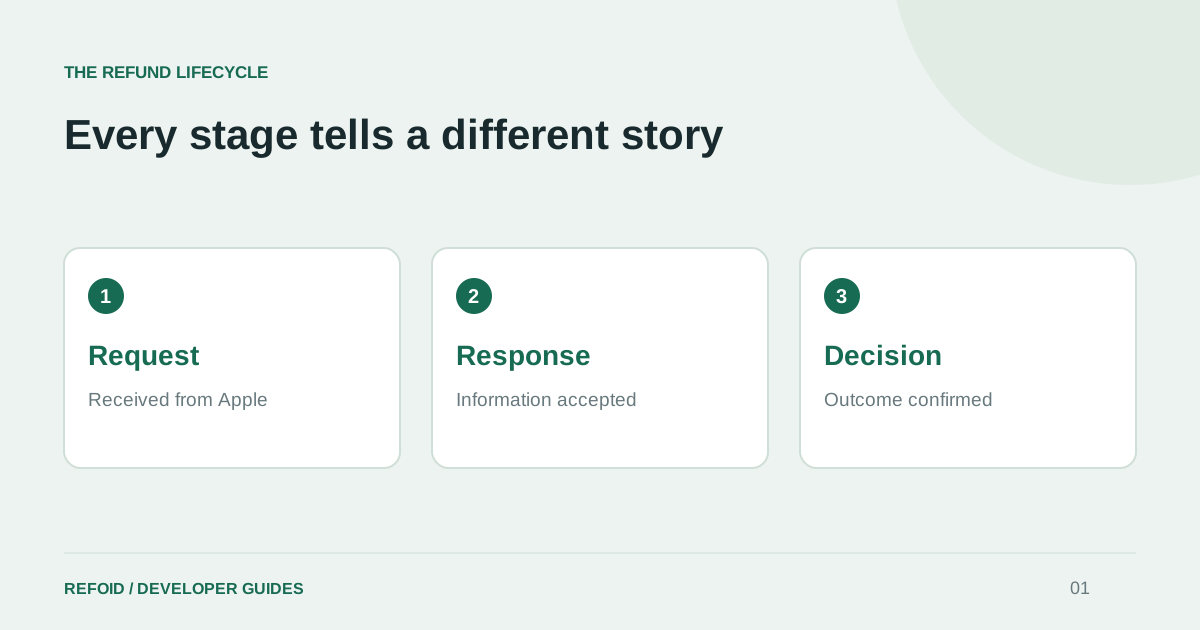
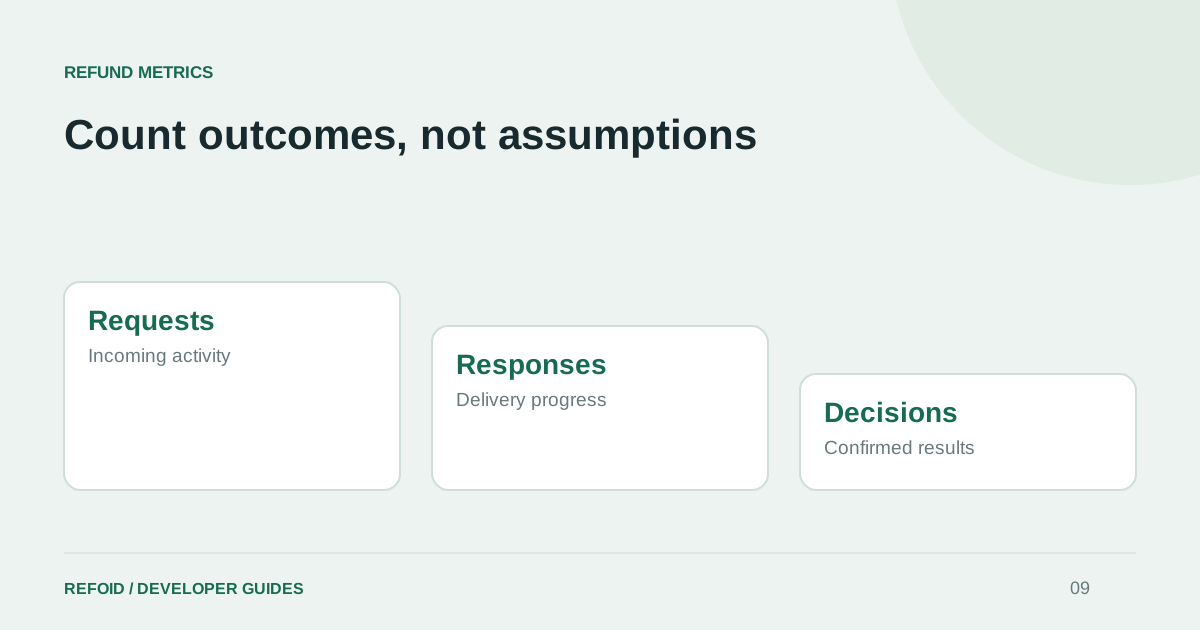
Count requests received, responses accepted and decisions recorded separately. Each measures a different part of the workflow. Requests tell you about incoming activity; accepted responses tell you about delivery; decisions tell you what happened to the refund.
If ten requests arrive and eight responses are accepted, that is not an 80% decline rate. Suppose four requests have a confirmed decline, two have a confirmed refund and four remain pending. You can report four declines out of six decided requests, while clearly showing the four unresolved cases. This is an illustrative example, not a Refoid performance claim.
Explain what the amount represents
A purchase amount is not necessarily your net proceeds after commissions, taxes and currency conversion. Label retained or refunded purchase value accurately. Do not describe it as profit unless your accounting data supports that interpretation.
Keep the original currency available when reviewing a transaction. If you aggregate in a reporting currency, document the conversion basis and avoid adding different currencies as if they were interchangeable. Use a consistent definition when comparing periods; changing the definition mid-chart can manufacture a trend.
Make filters part of the report
State the date range, timezone and environment. A request received on Monday can be decided on Wednesday, so “requests this week” and “decisions this week” need not contain the same purchases. Choose the date appropriate to the question and label it.
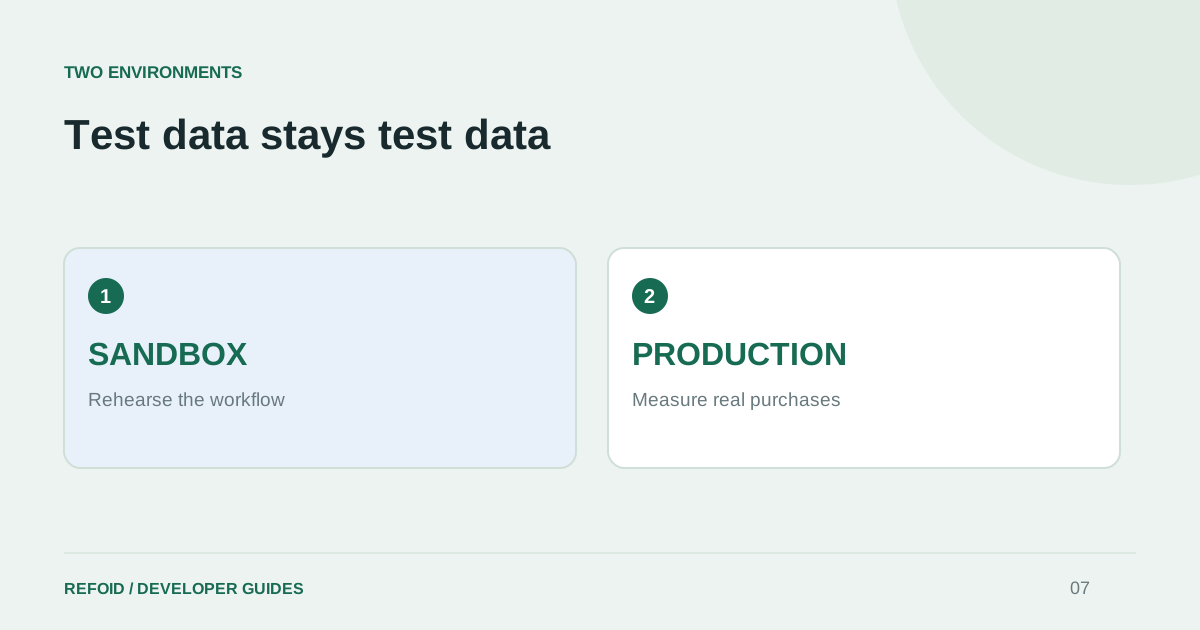
Exclude Sandbox when discussing commercial results. Use All environments for integration checks. Our environment guide explains why a production server can still contain test purchases. Deduplicate repeat deliveries before calculating totals, as covered in the notification guide.
Turn the report into a next action
For operations, inspect the age of pending requests and whether responses were accepted. For product work, examine recurring reasons and products with confirmed refunds. A reason is a signal to investigate the experience, not proof of customer abuse.
Use Refoid’s dashboard to inspect the underlying request instead of interpreting a chart in isolation. The lifecycle guide explains the events behind each status. A report is most valuable when someone can click from a suspicious number to the evidence that explains it.
Further reading from Apple
See your refund workflow clearly
Explore Refoid, connect your apps and follow each request from arrival to Apple’s decision
Explore the dashboard How Refoid works