Handle duplicate Apple notifications without duplicate refunds
A repeated notification is not necessarily a new refund request. Keep delivery history separate from the business event.
A delivery can happen more than once
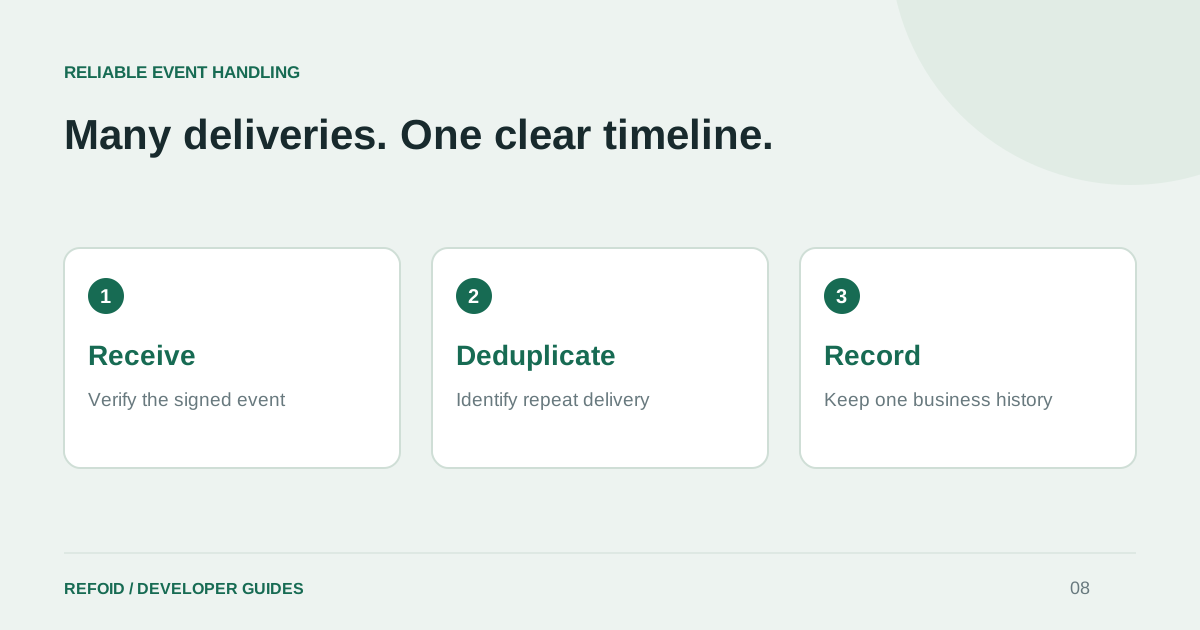
Webhook receivers should not assume exactly-once delivery. Apple documents retries for unsuccessful Production deliveries in Responding to App Store Server Notifications. Network failures can also leave a sender uncertain whether a receiver saved an event.
Design the receiver to verify the signed notification, durably record it and acknowledge it promptly. Queue longer work separately. An HTTP success response should mean the event is safely accepted by your system, not that every downstream task has already finished.
Use the right identity at each layer
Deduplicate a notification by its verified event identifier. Group business activity by application, environment and transaction. Keep the distinction visible in storage: two delivery attempts can refer to one event, while two genuinely new events can refer to one purchase.
For your own integrations, apply uniqueness constraints inside the database transaction that records the event. A check followed by an unrelated insert can race when two workers receive the same notification at nearly the same time. Retain enough delivery metadata to explain what happened later.
Close the cycle on a confirmed decision
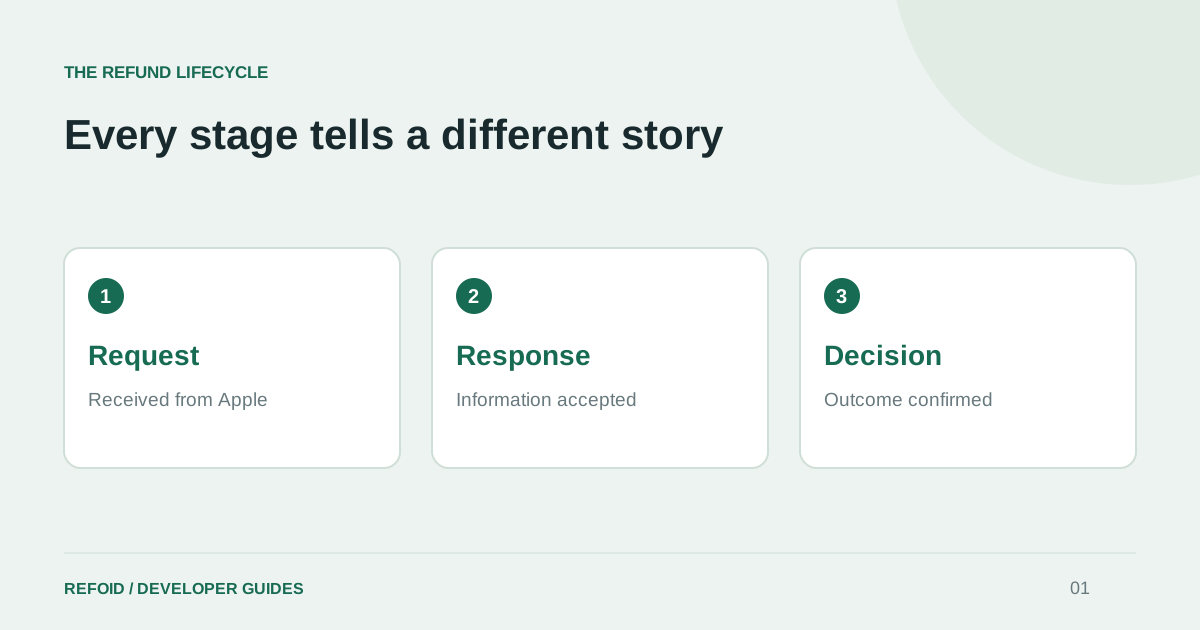
A useful refund timeline groups requests and responses until a decision closes that cycle. A later new request can begin another cycle for the same purchase. Replaying an old decision should not create a fresh cycle or send the same outcome email again.
Test the awkward orders: a duplicate decision, a delayed earlier notification, two simultaneous deliveries and a new request after a completed cycle. Assert both the final state and the number of side effects. An unchanged dashboard row does not prove that an email was not sent twice.
Make recovery use the same rules
Apple’s Get Notification History can help recover missed events. Route recovered events through the same verification and deduplication logic as live deliveries. A separate “import” path that skips these checks often creates inflated metrics after an outage.
When reading a Refoid timeline, distinguish a new request from repeat delivery activity. Start with the refund lifecycle and metrics guide. If counts and history disagree, contact Support with the transaction and environment so the event sequence can be compared.
Further reading from Apple
See your refund workflow clearly
Explore Refoid, connect your apps and follow each request from arrival to Apple’s decision
Explore the dashboard How Refoid works