The App Store refund lifecycle, explained
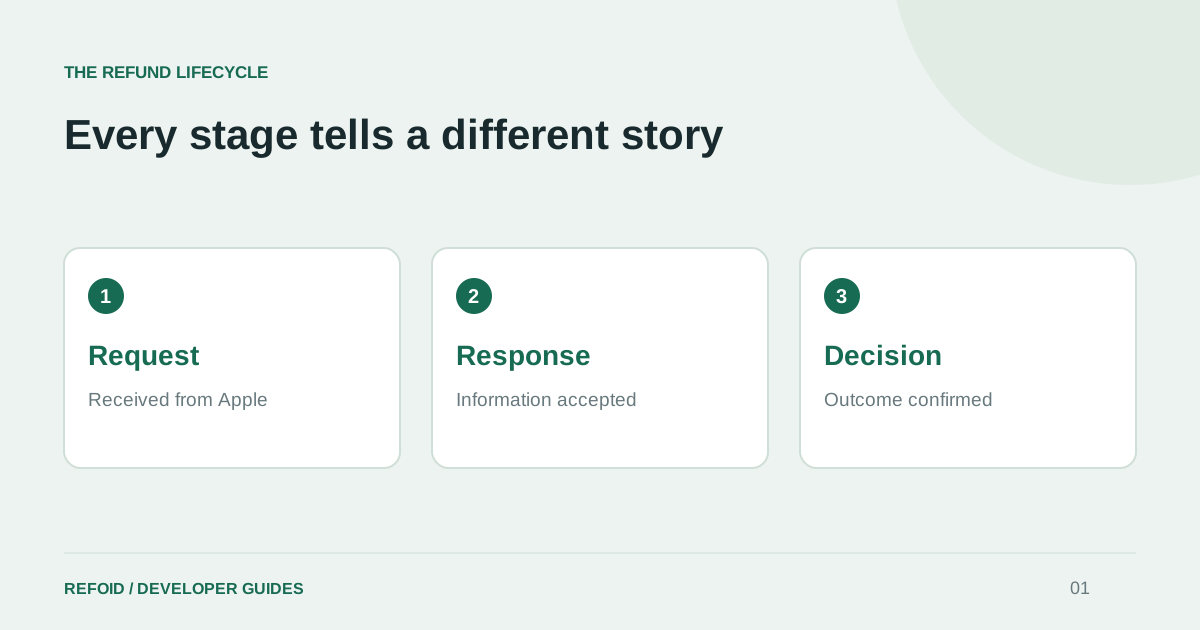
A refund request, an accepted response and a final decision are three different events. Here is how to tell them apart.
One purchase, several events
A customer asking for a refund starts a process, not an outcome. For a developer, the useful questions are whether Apple asked for information, whether your server supplied it, and whether a decision has arrived. Collapsing these into a single “done” label makes a refund dashboard look reassuring while hiding unfinished work.
When Apple requests purchase information, the notification is called CONSUMPTION_REQUEST. A subsequent REFUND_DECLINED reports a decline; REFUND reports a granted refund. A refund can also arrive without a consumption request in your records, so do not assume every outcome follows an identical path. See Apple’s notification types.
Accepted is a delivery milestone
An accepted consumption response confirms receipt of the information, not agreement with your preferred outcome. Keep the request in processing until a decision is recorded. In particular, a successful API call should not increase a saved-revenue metric or trigger a message saying that a refund was declined.
In Refoid, open the request timeline and separate the incoming request, the outgoing response and the final outcome. If you are new to the workflow, how Refoid works explains what happens between connecting an app and receiving a decision.
What to check while a request is processing
First, check the transaction, app and environment. A Sandbox purchase is not evidence about a Production purchase. Next, inspect the last activity and response result. If the response failed, investigate that failure; if it was accepted, waiting for an outcome is a different situation.
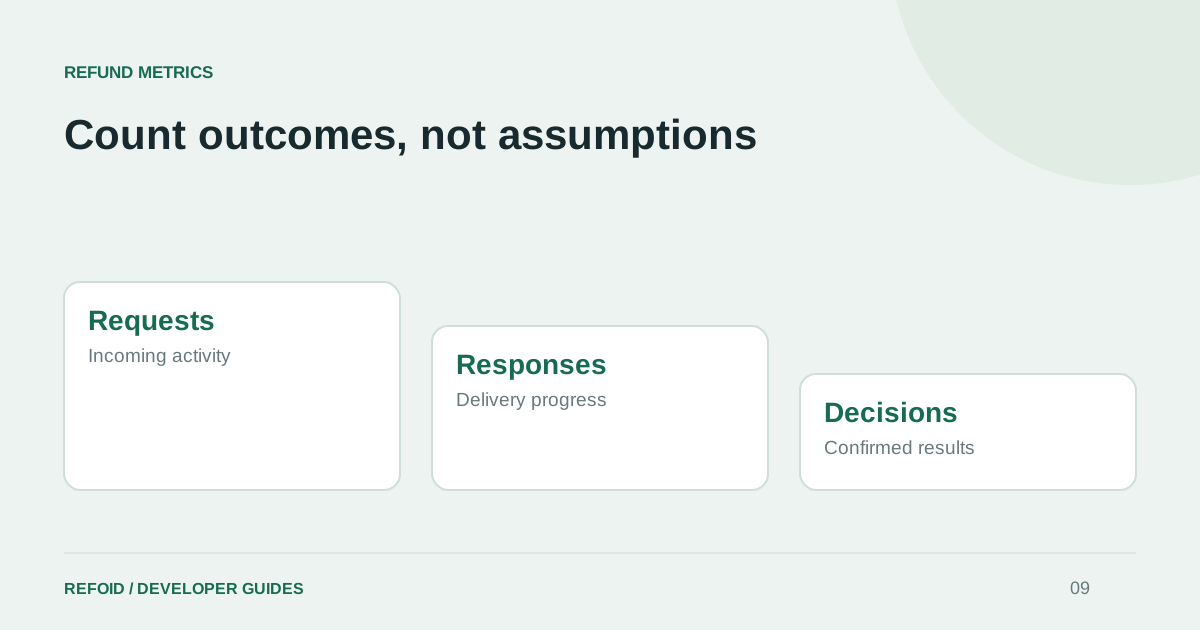
A countdown is useful for deciding when your team needs to act. It is not proof that Apple will reach a decision at that exact moment. Do not infer a decline from silence or from another app’s average review time. Use the refund metrics guide to keep pending and decided requests separate.
Give support a useful handoff
For a request that needs investigation, collect the application name, transaction ID, environment, request time and last recorded response. Share them through Refoid Support, rather than sending private keys or a screenshot with unrelated customer information.
For your own customers, keep the message straightforward: the request has been submitted, Apple decides the outcome, and your app will reflect the confirmed result. This is more useful than claiming that an automated response has already settled the case.
Further reading from Apple
See your refund workflow clearly
Explore Refoid, connect your apps and follow each request from arrival to Apple’s decision
Explore the dashboard How Refoid works