Consumption information and refund preferences
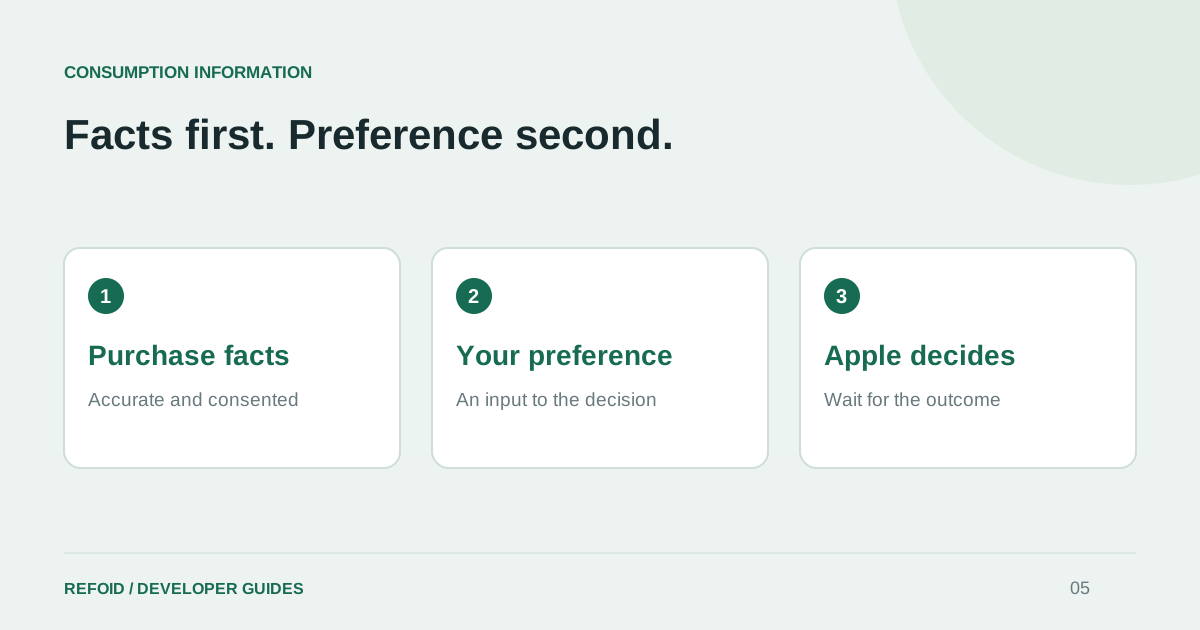
A preference communicates your position. Accurate purchase facts and customer consent still matter.
A preference is an input, not a verdict
Apple’s current refundPreference field supports DECLINE, GRANT_FULL and GRANT_PRORATED. Apple describes the preference as one factor in its decision. Choosing decline does not create a guarantee, and an integration should never translate that configuration into an already-declined request.
Think of your response policy as a documented business decision. Someone on the team should be able to explain why it is appropriate for the app and how exceptions are handled. Review how Refoid works before connecting a large portfolio with a single assumed policy.
Keep the facts distinct from the desired result
A preference describes the outcome you would like. Consumption information describes what happened to the purchase. Do not invent usage, claim delivery that did not occur, or infer customer consent from the outcome you want. Missing information and a confirmed zero are also different values.
Apple’s Send Consumption Information documentation requires valid consent before sharing personal consumption data and specifies the response window. Review the schema and consent requirements for the API version you actually use; an old payload copied from a tutorial may not match the current endpoint.
Make the response reviewable
For an internal review, record the transaction identifier, environment, policy, submission time and API result. Separate an audit view from an unrestricted data dump: only staff who need it should see purchase details. Your team should understand both what is sent and which information is deliberately absent.
When you inspect a request in Refoid, compare the recorded response with the configured policy. If your expectations differ, investigate before repeating the same assumption across more applications. Our key-security guide covers a related boundary: who can authorize server calls.
Judge automation on observable outcomes
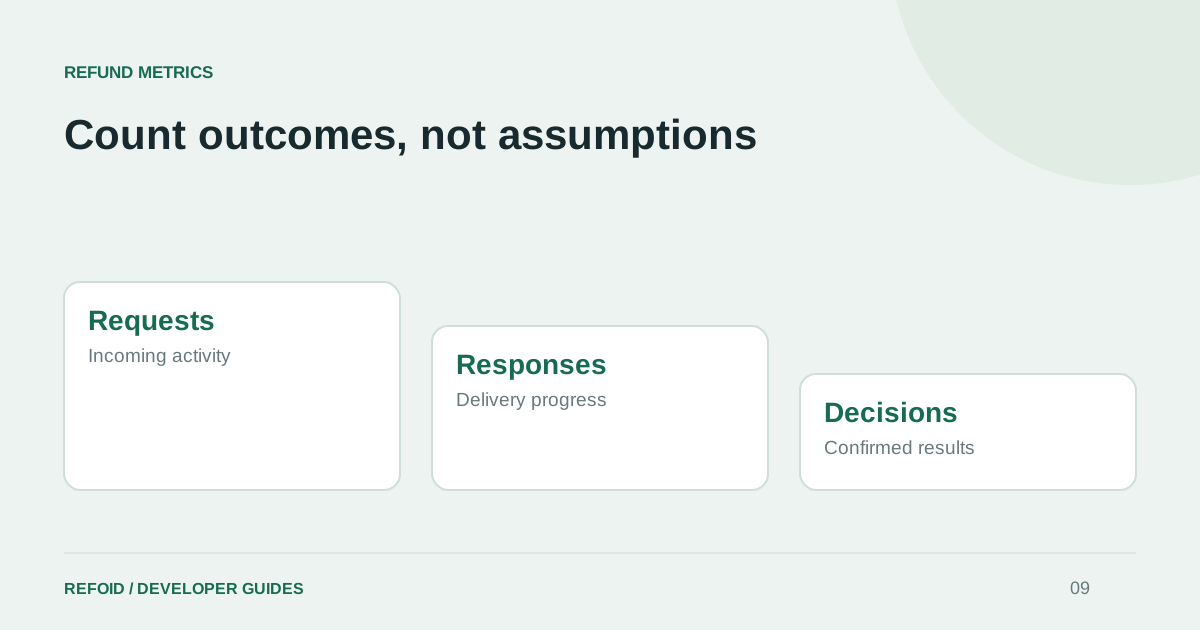
A healthy response pipeline submits eligible information reliably and leaves an understandable record. It does not guarantee that every request is declined. Measure delivery separately from final decisions, and keep unresolved requests visible.
Use the metrics guide when discussing results with your team. If you need help interpreting a response, contact Support with the transaction reference and environment, without sending a private API key. Clear reporting makes the difference between useful automation and an attractive but misleading success counter.
Further reading from Apple
See your refund workflow clearly
Explore Refoid, connect your apps and follow each request from arrival to Apple’s decision
Explore the dashboard How Refoid works