App Store Subscription Cancellation vs. Refund
Canceling an App Store subscription and refunding a purchase answer different questions: will the subscription renew, and was a transaction refunded? Keep those answers separate to avoid removing access too early or counting cancellations as lost revenue.
Does canceling an App Store subscription issue a refund?
No. Turning off subscription renewal does not, by itself, refund a previous charge. A customer who wants to stop future renewals and ask for money back needs to consider both actions. Apple provides separate guidance for canceling a subscription and requesting a refund. Refund eligibility and approval should never be inferred from a cancellation.
For developers, this distinction affects three parts of the product: customer access, support messages and revenue reporting. A single “canceled” field cannot reliably describe all three. Keep the renewal setting, current entitlement and refund outcome as separate pieces of information.
This guide focuses on ordinary auto-renewable subscriptions. Trials, regional cancellation rules and subscriptions with contractual commitments can require additional handling. Read the verified subscription state rather than applying a universal rule that every cancellation ends access immediately.
What cancellation changes: the next renewal
For a standard paid subscription, disabling renewal ordinarily lets the customer use the remaining paid period. Apple's subscription billing guide distinguishes that paid period from the decision to renew it.
Consider an illustrative monthly subscription paid through November 27. The customer turns off renewal on November 10. If the subscription is otherwise valid, the useful message is “Your subscription will not renew. Access is available until November 27.” Calling this a refund would describe a financial event that has not been established.
Design your account screen so the renewal setting and access end date are both visible. Support can then answer “Will I be charged again?” without guessing whether the last payment was returned. For actual customer messages, derive the date from verified purchase data.
Which Apple notifications distinguish cancellation from refunds?
In App Store Server Notifications V2, DID_CHANGE_RENEWAL_STATUS with AUTO_RENEW_DISABLED reports disabled renewal. Apple can also turn renewal off after a refund request. This combination alone therefore does not establish either a voluntary cancellation reason or an approved refund.
REFUND reports a refunded transaction; REFUND_DECLINED reports a declined request. A CONSUMPTION_REQUEST asks for purchase information and is an intermediate event. Match each event to its transaction before recording an outcome. These meanings are defined in Apple's notification types.
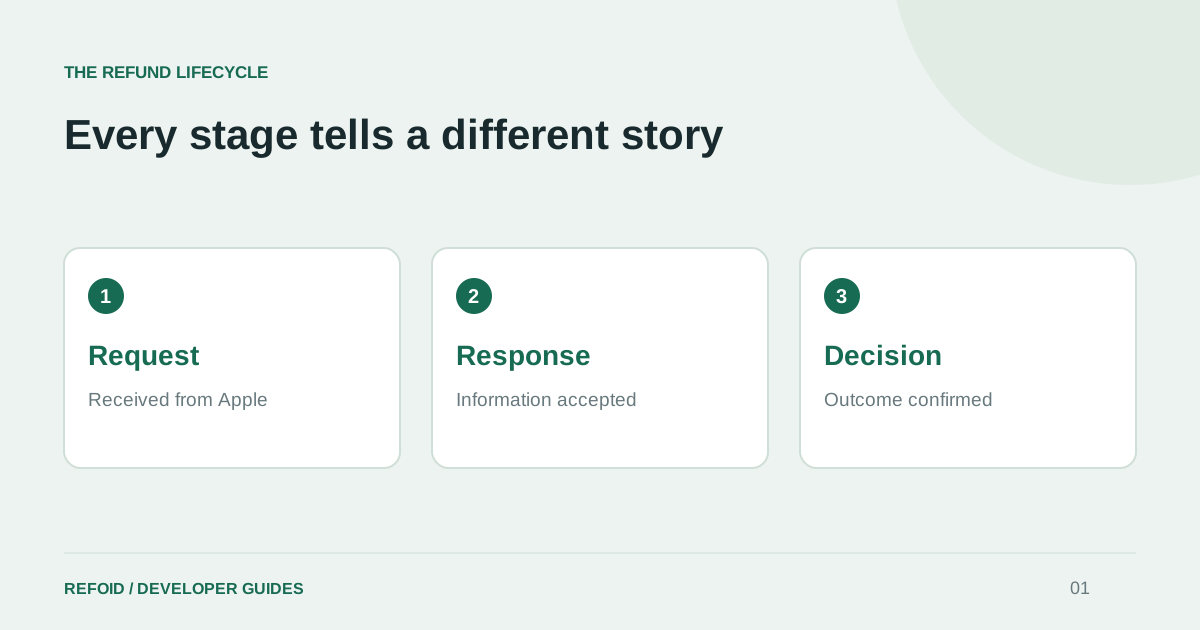
Keep the original event and its time alongside any derived status. That makes it possible to explain a sequence in which renewal changes before the refund decision arrives. The App Store refund lifecycle guide covers the request, response and decision stages.
When should an app change subscription access?
Use verified entitlement information to decide access. A renewal setting describes future billing; it is insufficient on its own to decide what the customer can use now.
StoreKit's currentEntitlements sequence includes the latest auto-renewable subscription transaction when its state is subscribed or in a grace period. Refunded or revoked products do not appear. Verify the returned transactions and interpret them according to the product type.
Scope your update to the affected purchase. A customer may have another valid purchase that still provides access. If you inspect revocationDate, remember that it can represent a refund or a Family Sharing revocation, so it is not sufficient by itself to label every access loss a refund.
Test with a customer who has disabled renewal but still has a valid paid period. Then test a confirmed refund separately. Your app should explain the current access state accurately in both cases.
Keep cancellations out of confirmed refund totals
Use separate reporting questions: how many subscriptions stopped renewing, how many refund requests are awaiting an outcome, and which transactions have confirmed refunds? Combining them makes it difficult to tell whether a change reflects future churn or money returned for earlier purchases.
For example, ten renewal cancellations and two confirmed refunds are not twelve confirmed refunds. A refund request that is still processing should not be counted as either a confirmed refund or a confirmed decline. Define your reporting period and transaction scope before comparing totals.
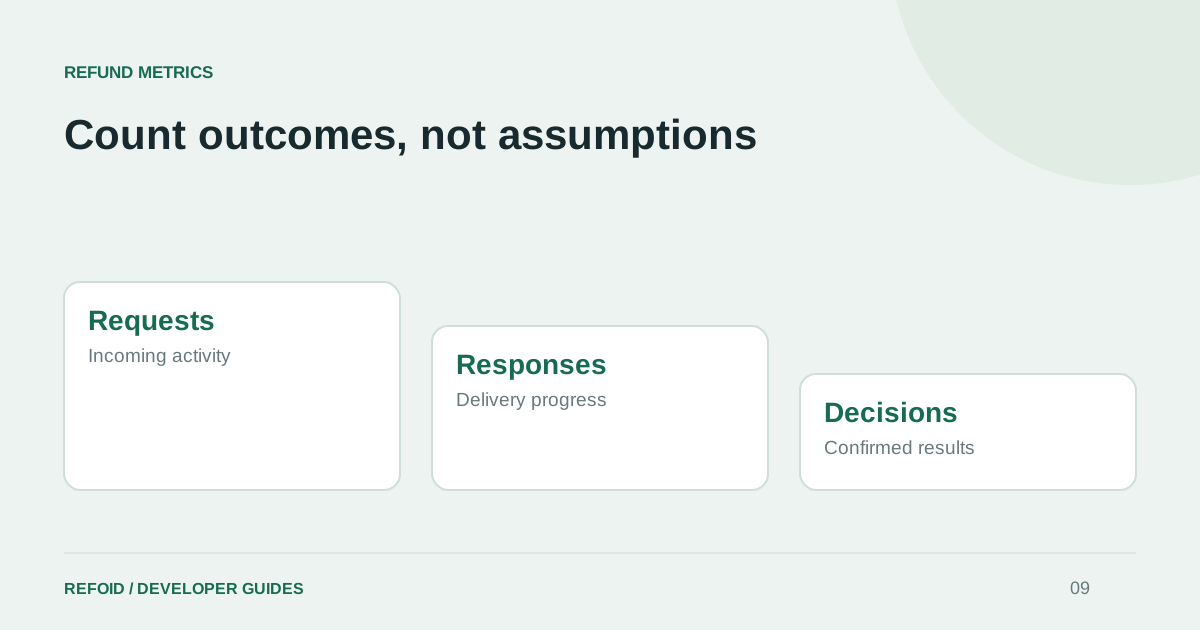
When reviewing a request in Refoid, check its app, transaction, environment and timeline before explaining the outcome to a teammate or customer. Use the refund metrics guide to keep pending work separate from confirmed decisions. Do not infer a refund outcome from a renewal label in another system.
Common questions about App Store cancellations and refunds
Does a canceled subscription always lose access immediately? No. For an ordinary paid subscription, access generally continues through the valid paid period. Check the current entitlement and applicable subscription terms, especially for trials or special plans.
Does a refund request mean the customer has been refunded? No. A submitted request is awaiting a decision. Apple explains that an approved refund may also take additional time to reach the payment method in its refund request guidance.
Can a refund decision change later? Yes. Apple documents REFUND_REVERSED for a previously granted refund that is reversed after a customer dispute. Reconcile the affected entitlement when handling that event; do not treat the earlier refund as an immutable final state.
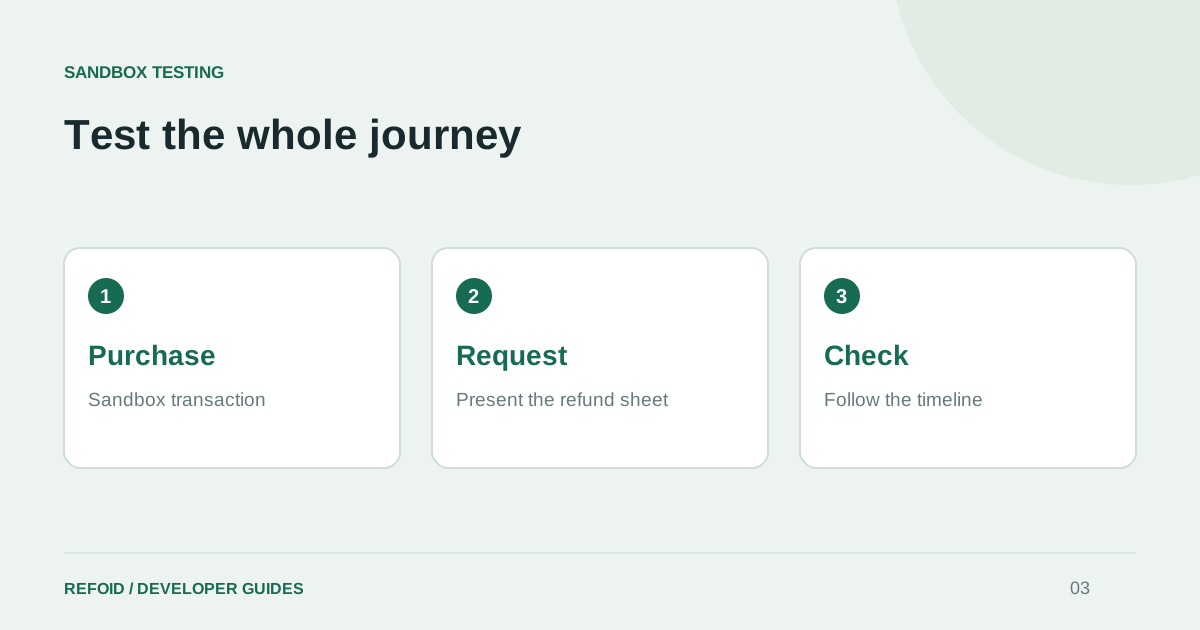
What should support say when someone asks to cancel and get a refund? Explain the two actions separately, link to Apple's cancellation and refund instructions, and describe only the outcome you can confirm. For investigating server events, connect your app to Refoid and follow the request timeline.
Further reading
See your refund workflow clearly
Explore Refoid, connect your apps and follow each request from arrival to Apple’s decision
Explore the dashboardHow Refoid works